Multimedia Applications
VLC Media Player
Introduction
VLC (VideoLAN Client) is an open-source, cross-platform multimedia player that supports various audio and video formats, such as MP4, AVI, MKV, and MP3. It can play most media files without requiring additional codecs and is suitable for multimedia applications on Debian systems.
Connect to the Development Board
On the PC, open the ADB folder, type CMD in the address bar to open a command prompt, and run:
adb devices
Confirm that the development board is connected. For example:
List of devices attached
xxxxxxxx    device
Enter the development board:
adb shell
Install VLC
apt install vlc -y
VLC Function Verification
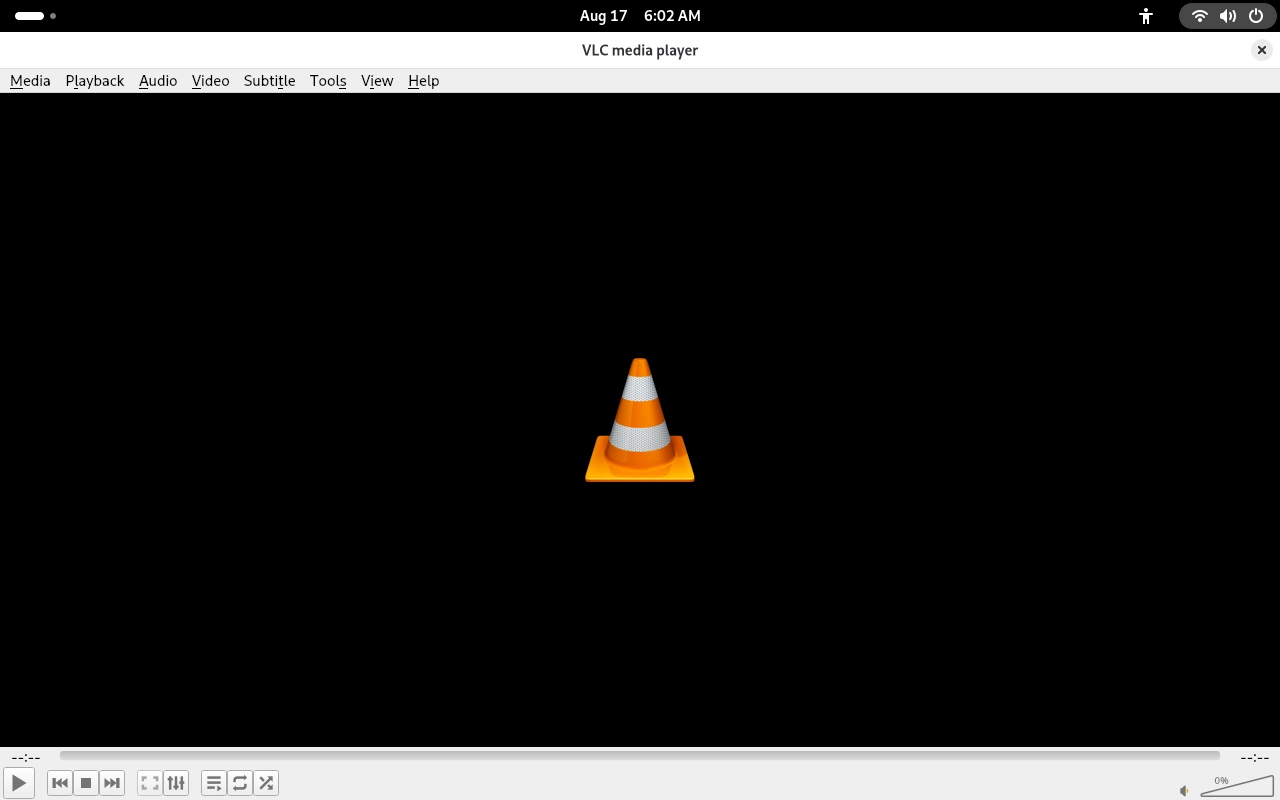
Launch VLC
After launching VLC, the main player interface should open and display correctly.
Open a Media File
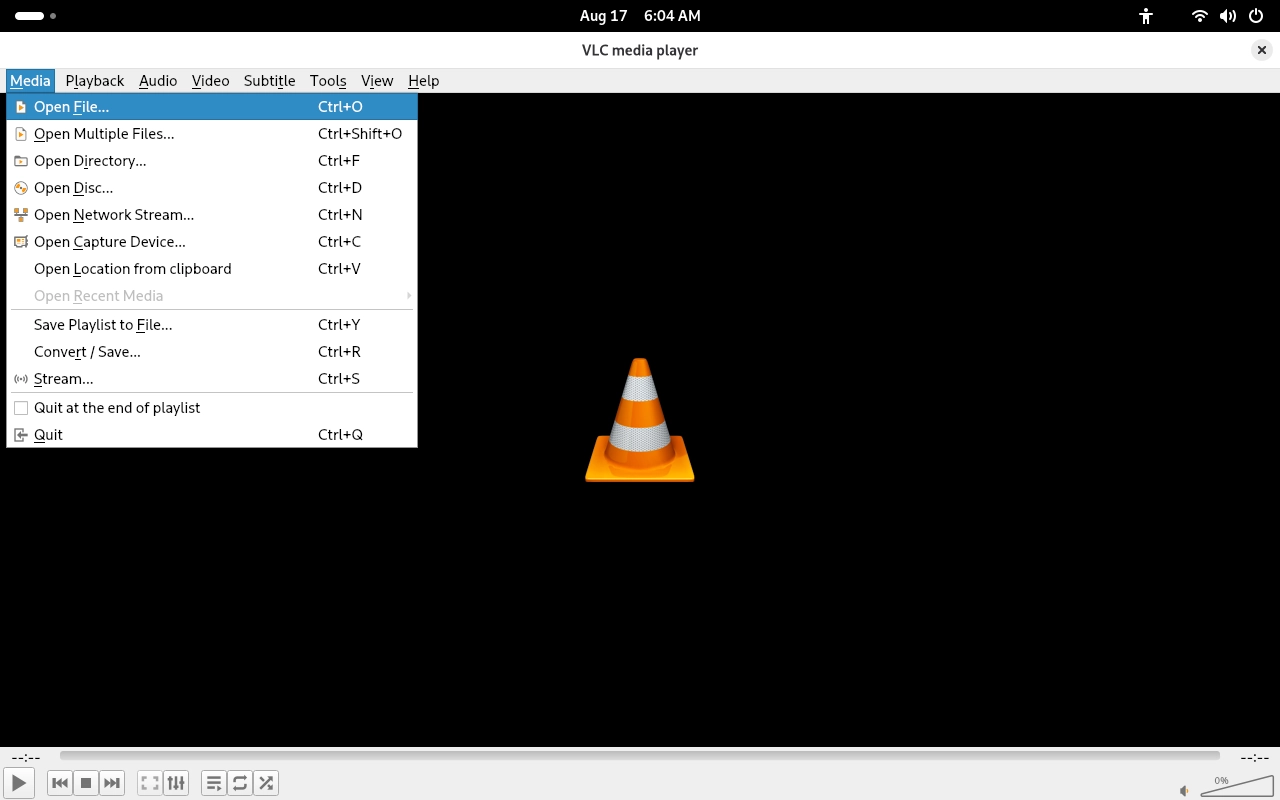
Click Media → Open File… in the menu bar and select the video file to be played.
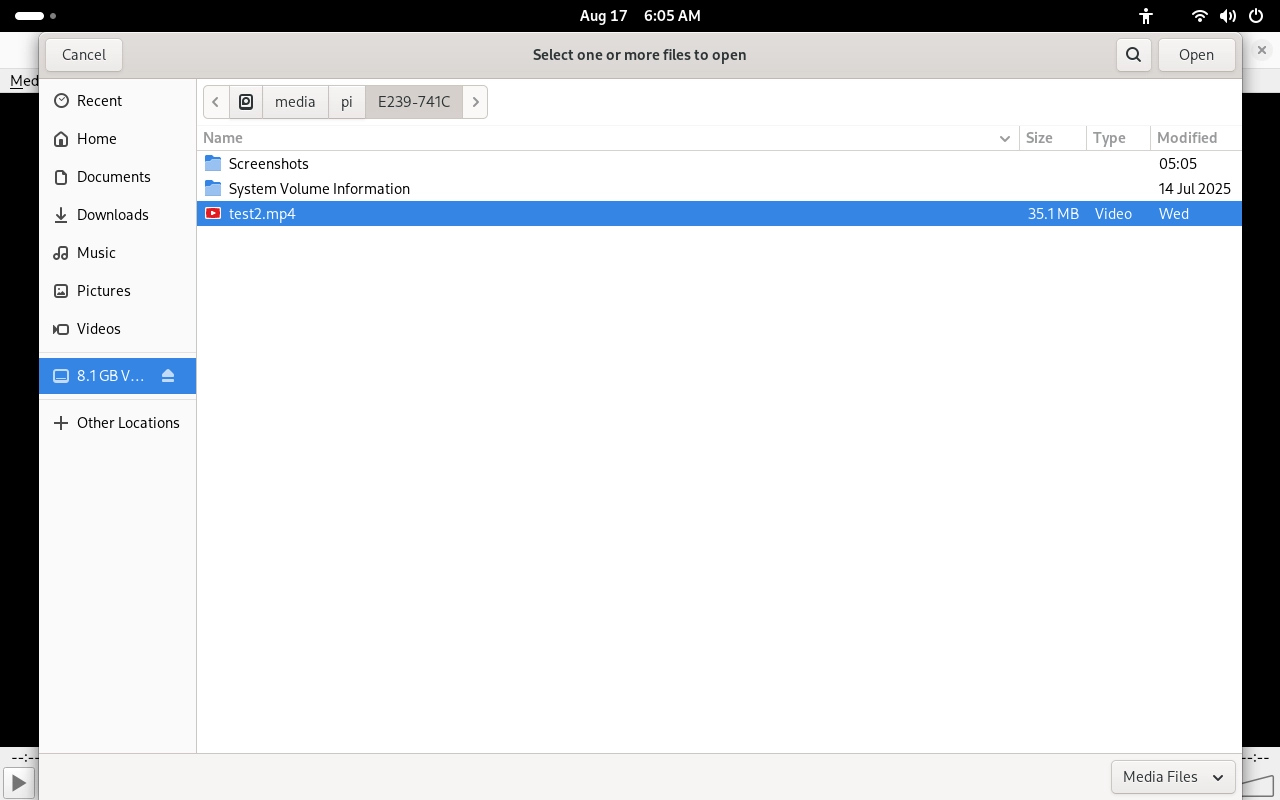
After selecting the video file, click the Open button to load it.
Video Playback Verification
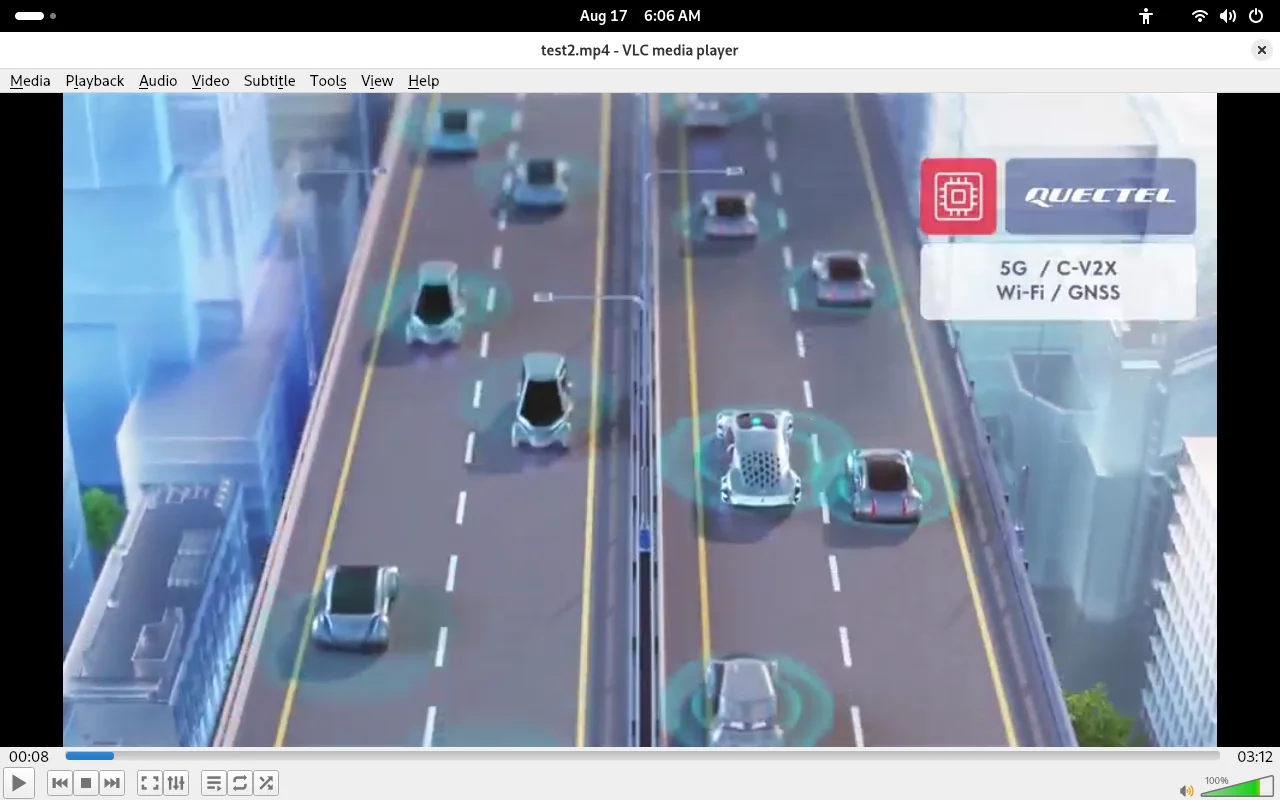
The video should load and play normally with correct image display. Playback controls, the progress bar, volume adjustment, and other player functions should also work properly.